Stability and the blocklist
The thumbnail scanner instantiates plugins in rapid succession, which occasionally exposes a crash in a third-party plugin that would otherwise go unnoticed. VFxM is built to make that recoverable rather than disruptive.
What happens when a plugin crashes REAPER during a scan
Section titled “What happens when a plugin crashes REAPER during a scan”- Relaunch REAPER after the crash.
- VFxM detects the interruption automatically and offers a Resume Crashed Scan prompt.
- The specific plugin responsible is added to the stability blocklist, so it is skipped on this and future scans — the rest of your library still gets scanned.
Managing the blocklist
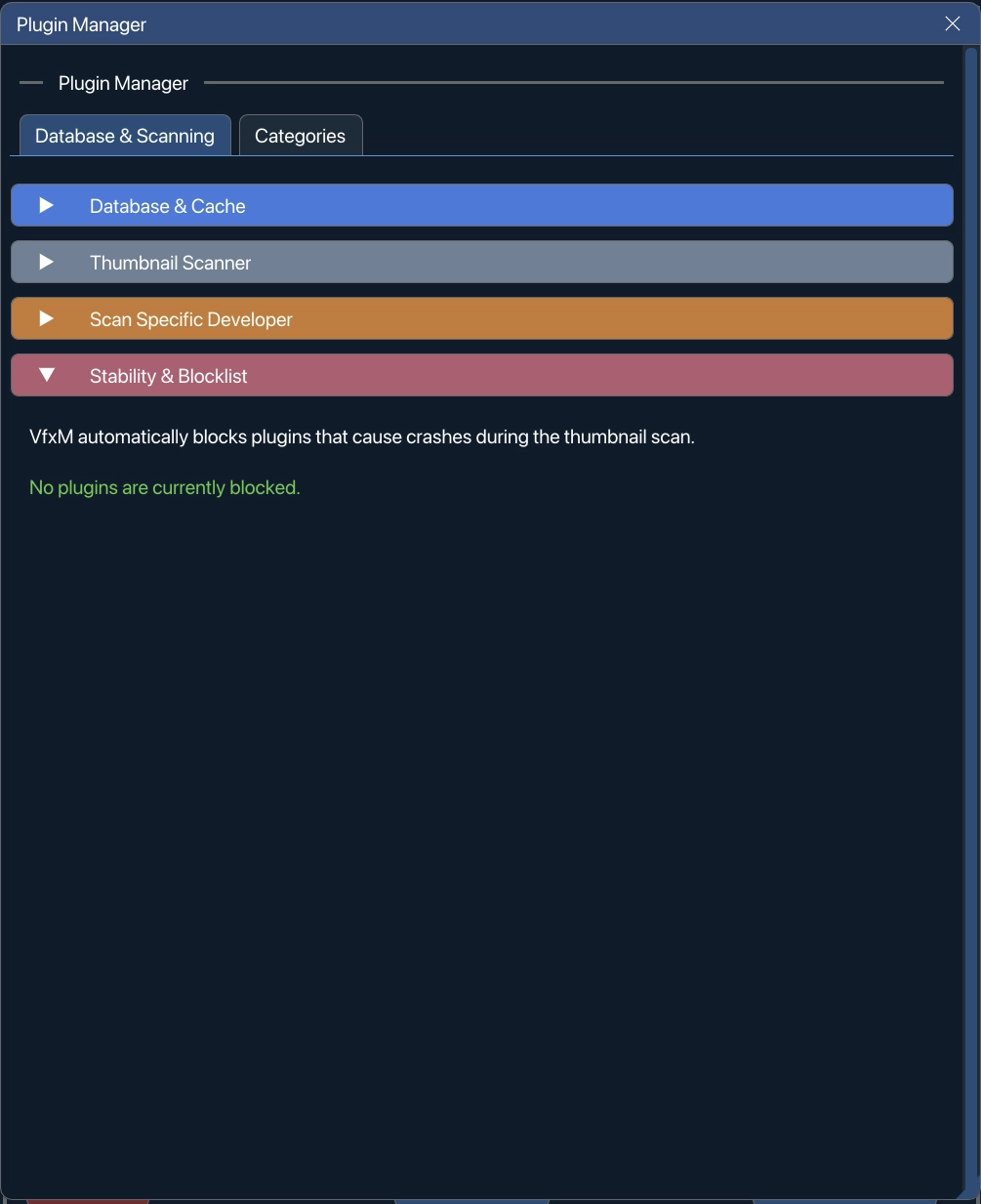
Section titled “Managing the blocklist”Open Plugin Manager → Stability & Blocklist to:
- View which plugins are currently blocklisted and why.
- Manually unblock a specific plugin you believe is safe to retry.
- Click Clear Blocklist to reset all blocks at once.
The same list from the Thumbnail Manager
Section titled “The same list from the Thumbnail Manager”The Thumbnail Manager shows the blocklist too, so you do not have to leave a scan to deal with it. While anything is blocked it prints Blocked Plugins Active in red with the count, and a Manage Blocked button opens the list: an X beside each plugin unblocks that one, and Unblock All clears the lot — the same action as Clear Blocklist on this panel.
Nothing appears there while the blocklist is empty, which is why you may never have seen it. It is one list read from two places, not two lists.
Force-deactivated plugins are a different list
Section titled “Force-deactivated plugins are a different list”The two lists are kept apart on purpose. The blocklist is the scanner’s crash record — a plugin that took REAPER down is not opened again. Force-deactivate is your decision. Merging them would mean Clear Blocklist silently un-hid every plugin you had chosen to hide, and a scanner crash would look like your choice.
Where the blocklist is kept
Section titled “Where the blocklist is kept”The list is a plain text file inside VFxM’s own data folder:
~/Library/Application Support/REAPER/Virtue/VFxM_ScanBlocklist.txt%APPDATA%\REAPER\Virtue\VFxM_ScanBlocklist.txtBefore 1.2.2 this file, and the scanner’s queue and in-progress markers, sat
loose at the top of REAPER’s resource folder. Updating moves them into
Virtue/ for you, so a blocklist you built by crashing your way through a
scan carries over rather than starting empty.
Why your project is never at risk
Section titled “Why your project is never at risk”Your project file and track setup are never written to or modified by the scanning process. On the Mac from 1.2.5, the scan runs in a separate helper app outside REAPER and never puts a plugin on a REAPER track.