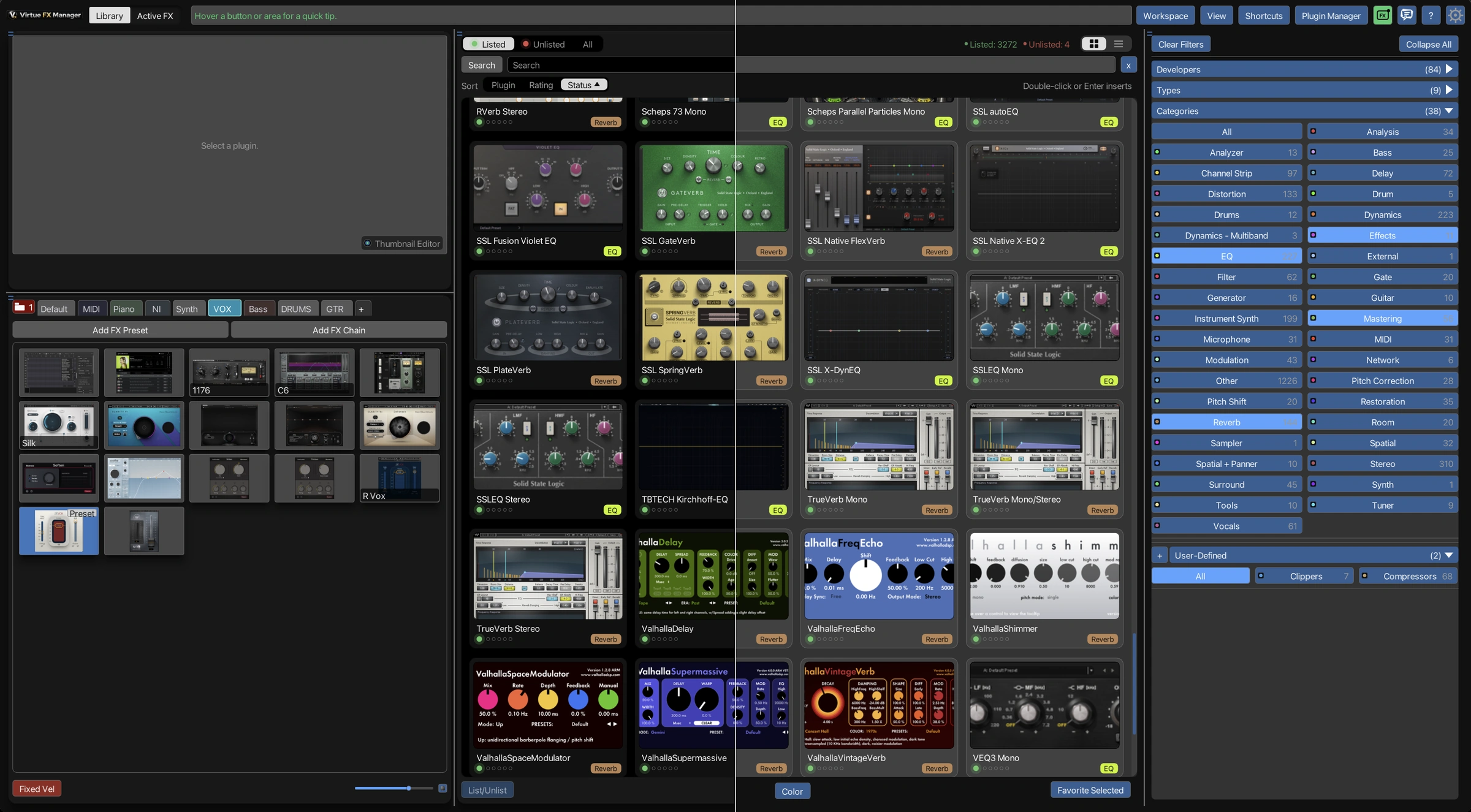
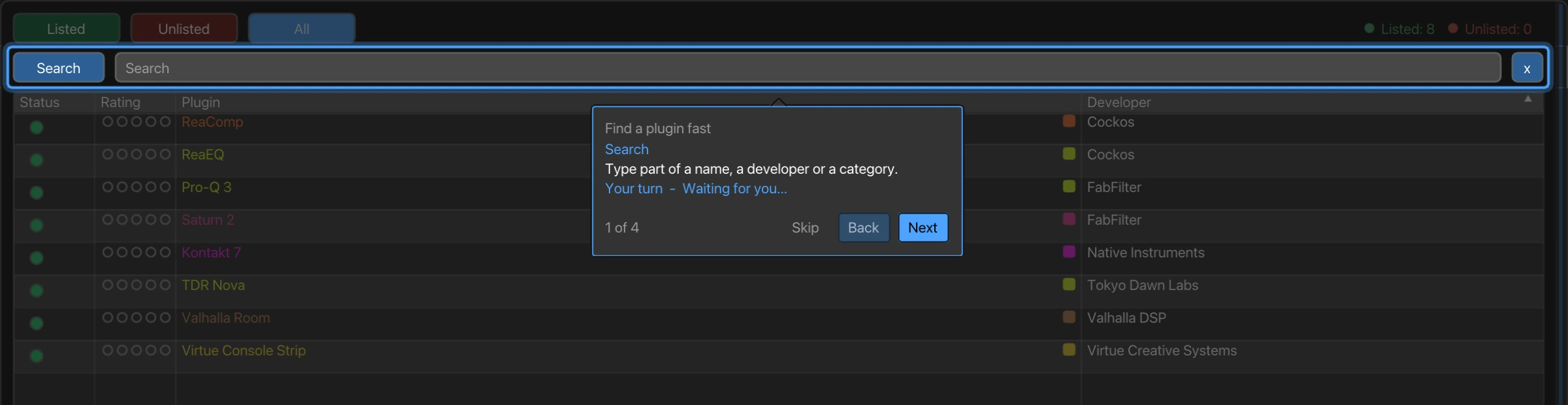
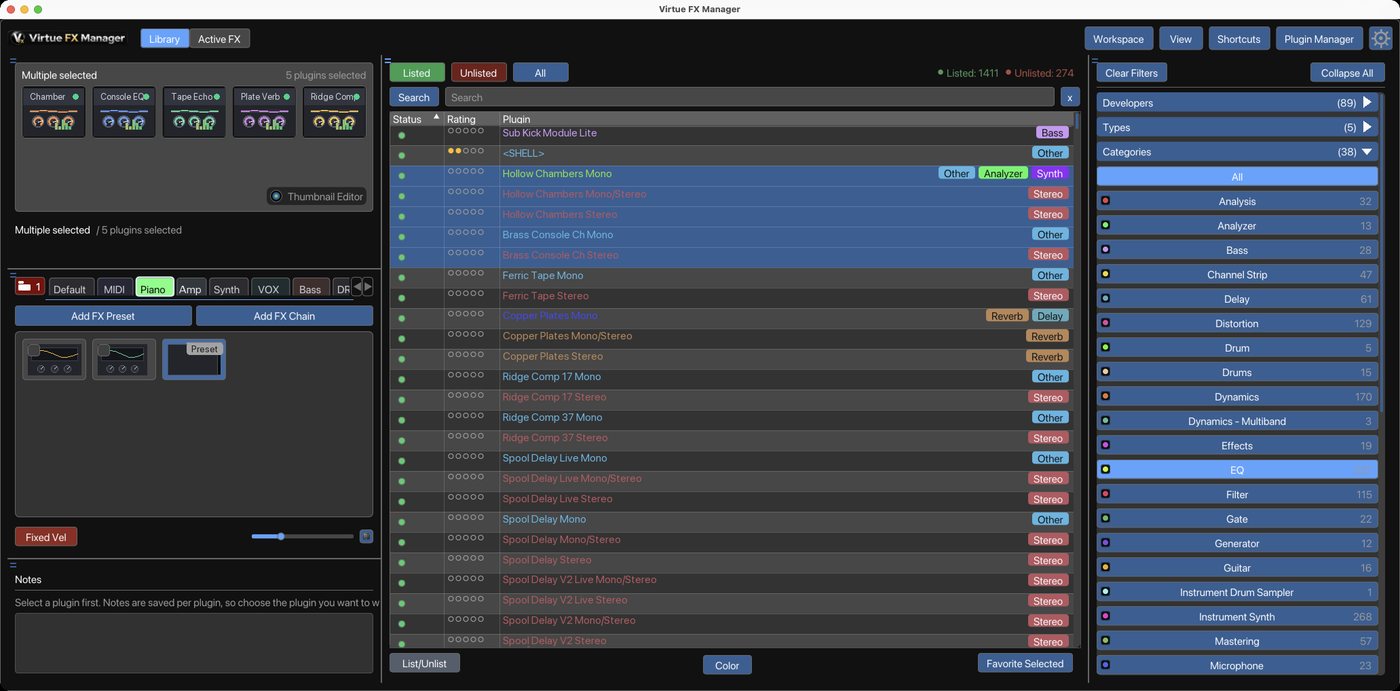
| Filtering the plugin list | –One folder at a time; combine axes by typing a search | ✓Developer, Type and Category chips combine, plus free-text search |
| Several tracks’ FX at once | –One window per track; place and switch yourself | ✓Every selected track’s chain, one view, no cap |
| Item, Master and Monitoring together | –Separate windows for each, placed by hand | ✓All four together in one panel, automatically |
| Dragging a plugin between chains | –Drag copies, Alt-drag moves; windows must be open first | ✓Same gesture, directly between any two chains shown |
| Placing a plugin on the Master | –Inserted at the end; drag it into place after | ✓Insert on Master picks the exact spot first |
| Acting on a whole chain | –FX bypassed or removed one at a time | ✓Whole section: add, bypass or clear, one click |
| Recognising a plugin by sight | –Text name only in the FX list | ✓Real thumbnail of the plugin’s own interface |
| Filing plugins into a category | –No bulk category field on a plugin | ✓Cmd-click a chip, files the whole selection |
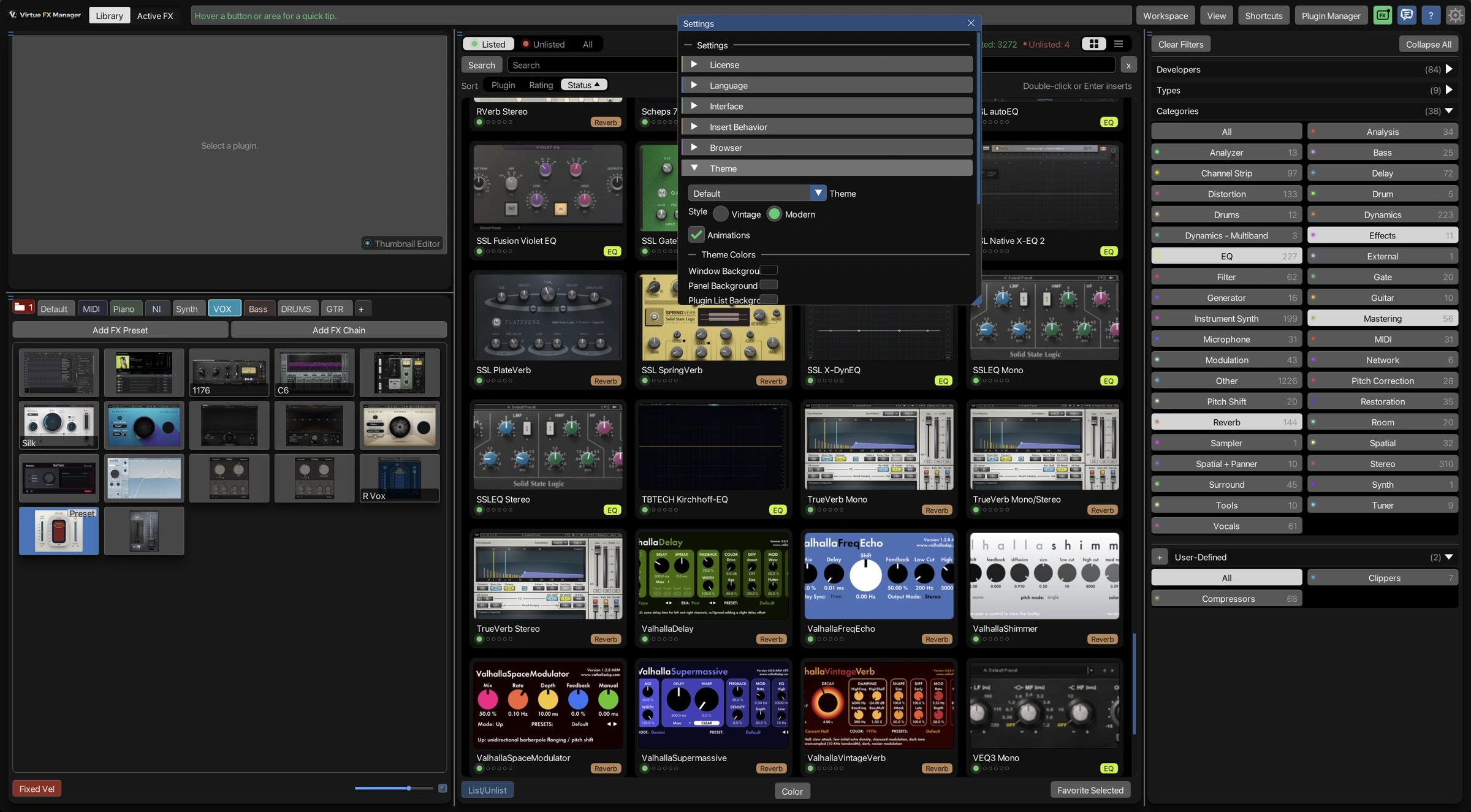
| Categories as dots or as tags | –No per-plugin category marker to style | ✓Dots or text tags, switch in Settings |
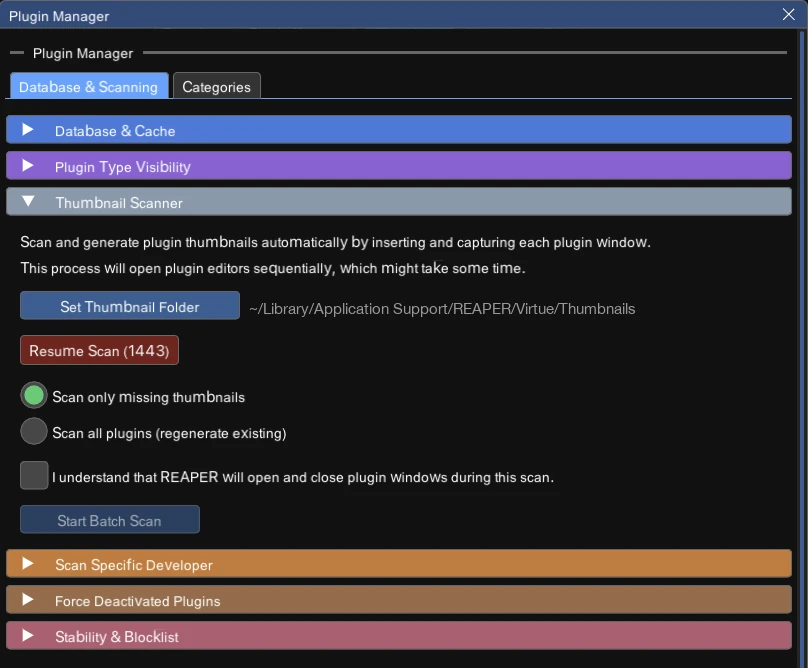
| Capturing several plugins | –No batch thumbnail capture | ✓One scan captures every selected plugin |
| Taking plugins offline | –Bypassed or removed one at a time | ✓Whole selection at once, backed up first |
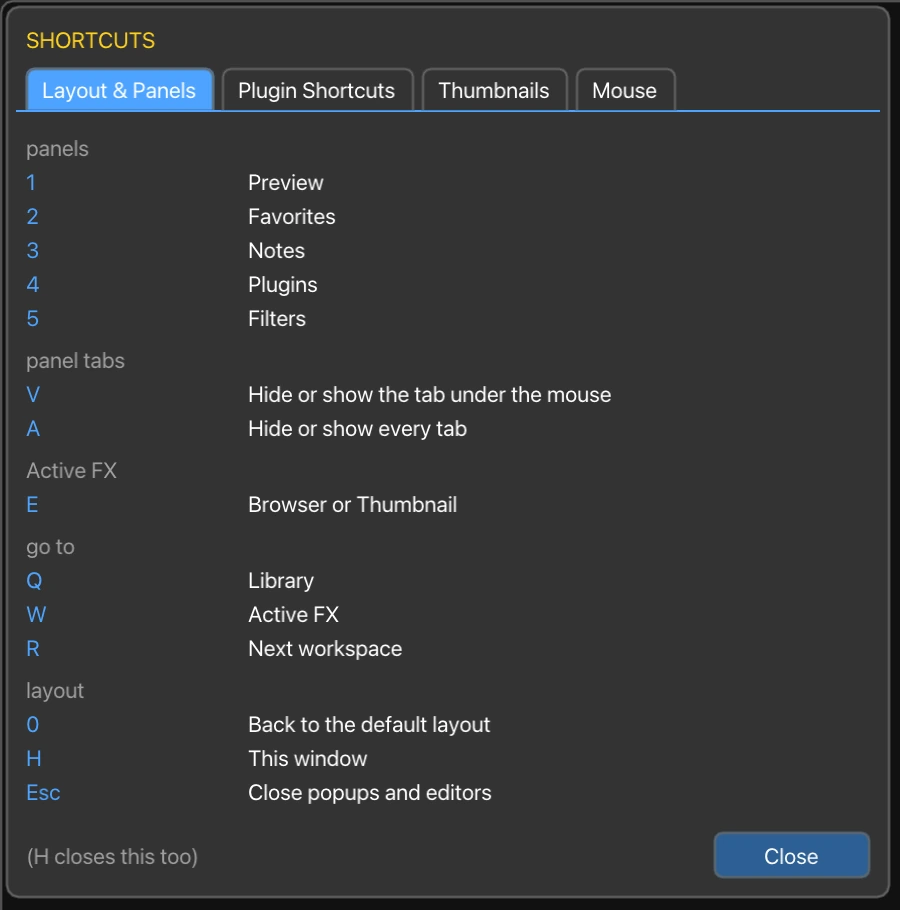
| Saving a window arrangement | –Not something you name or save | ✓Named, saved, recalled any time you like |