Categories manager
Open Plugin Manager → Categories to manage how plugins are grouped and color-coded beyond the automatic category detection.
Default vs. user-defined categories
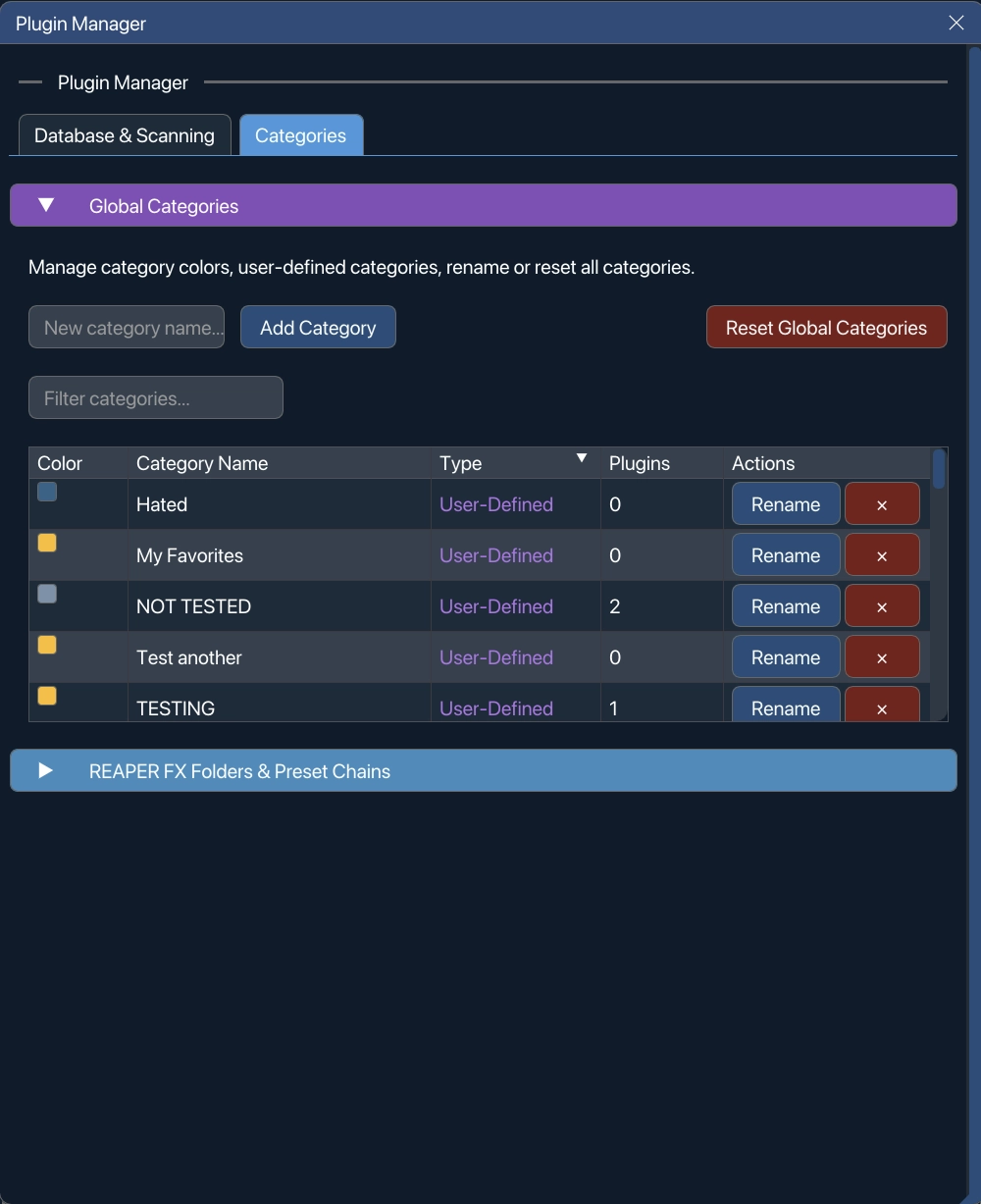
Section titled “Default vs. user-defined categories”VFxM ships with a set of standard categories (EQ & Filters, Dynamics & Compressors, and so on). You can rename, delete, or recolor a category, but changing a default category prompts a confirmation first:
To start over, Reset Global Categories restores the original scanned categories, clears any overrides, and resets custom colors. It sits at the right of the Categories header and is a destructive button — there is a confirmation before anything is cleared.
Importing from REAPER
Section titled “Importing from REAPER”The Categories tab includes a section for your existing REAPER FX organization:
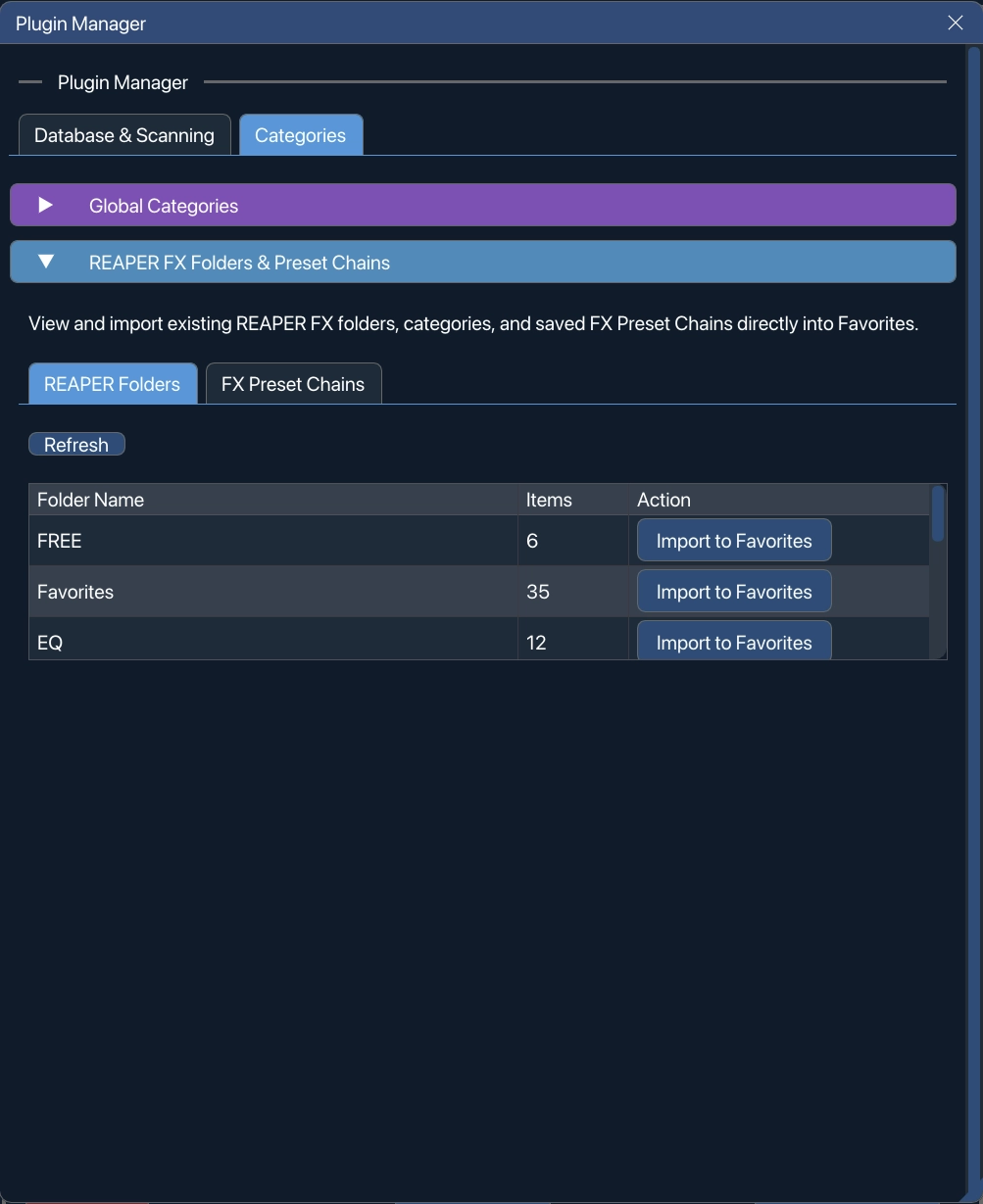
- FX folders → Favourite tabs — one-click import of a REAPER FX folder as a new Favourites board.
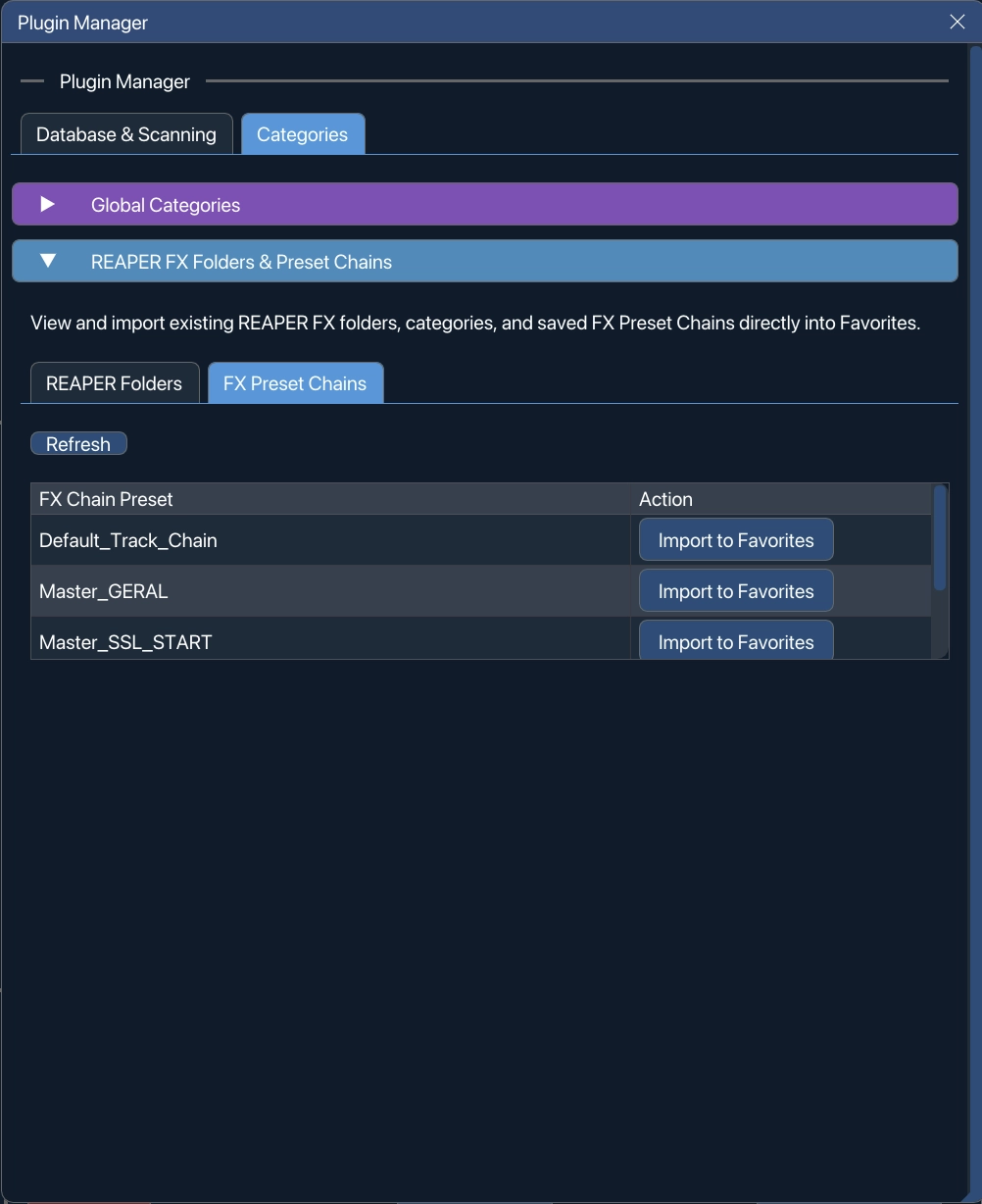
.RfxChainpresets → Favourites — one-click add of a saved REAPER FX chain file directly into Favourites, ready to drag or double-click load like any other favourite.
This is the fastest way to bring years of REAPER-side organization into VFxM without rebuilding it by hand.